







Contact us with email
How can we help you?






By NaProxy
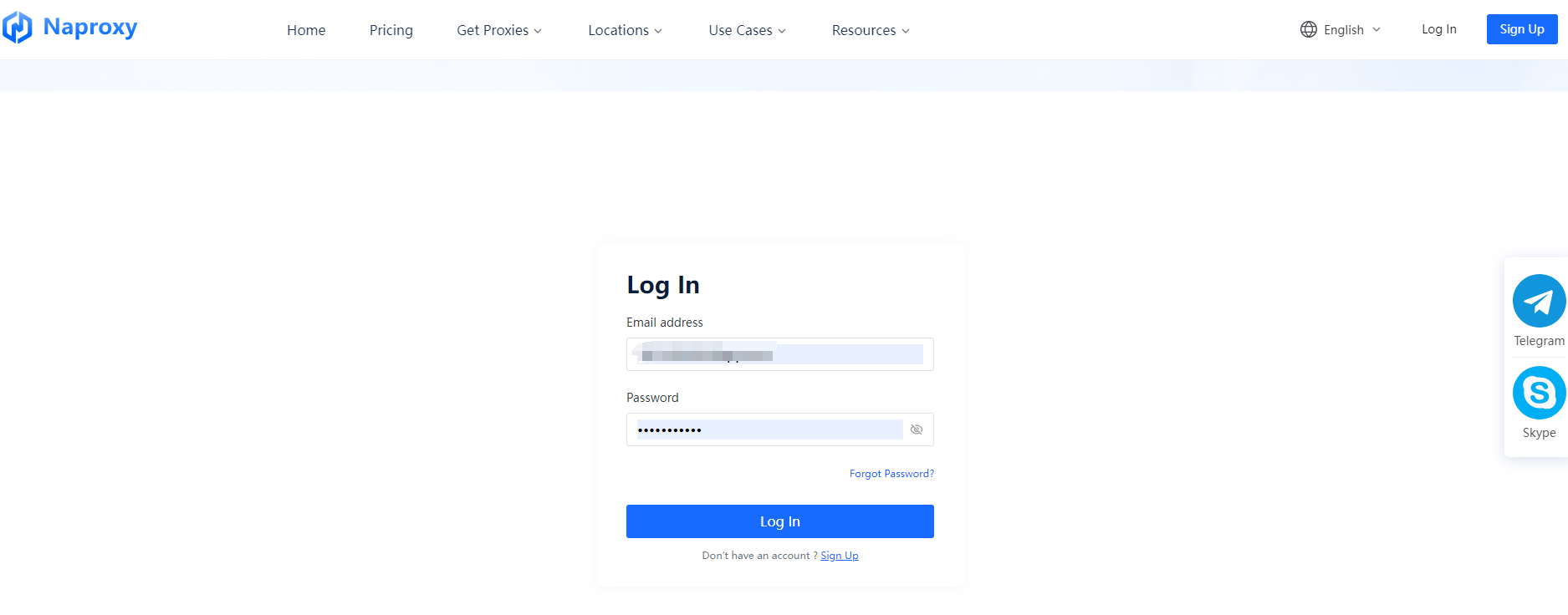
2023-11-28 16:421. Register and login.
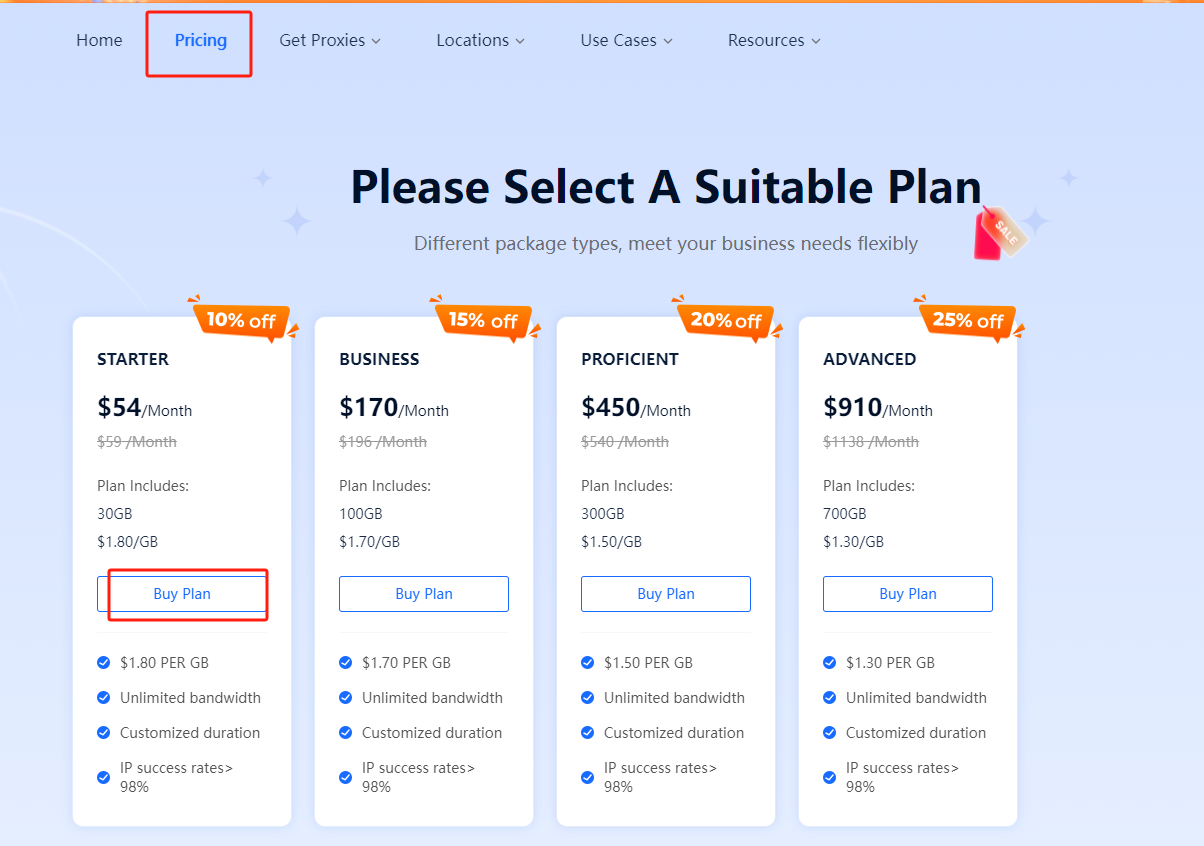
2. Select the suitable plan on the pricing page.
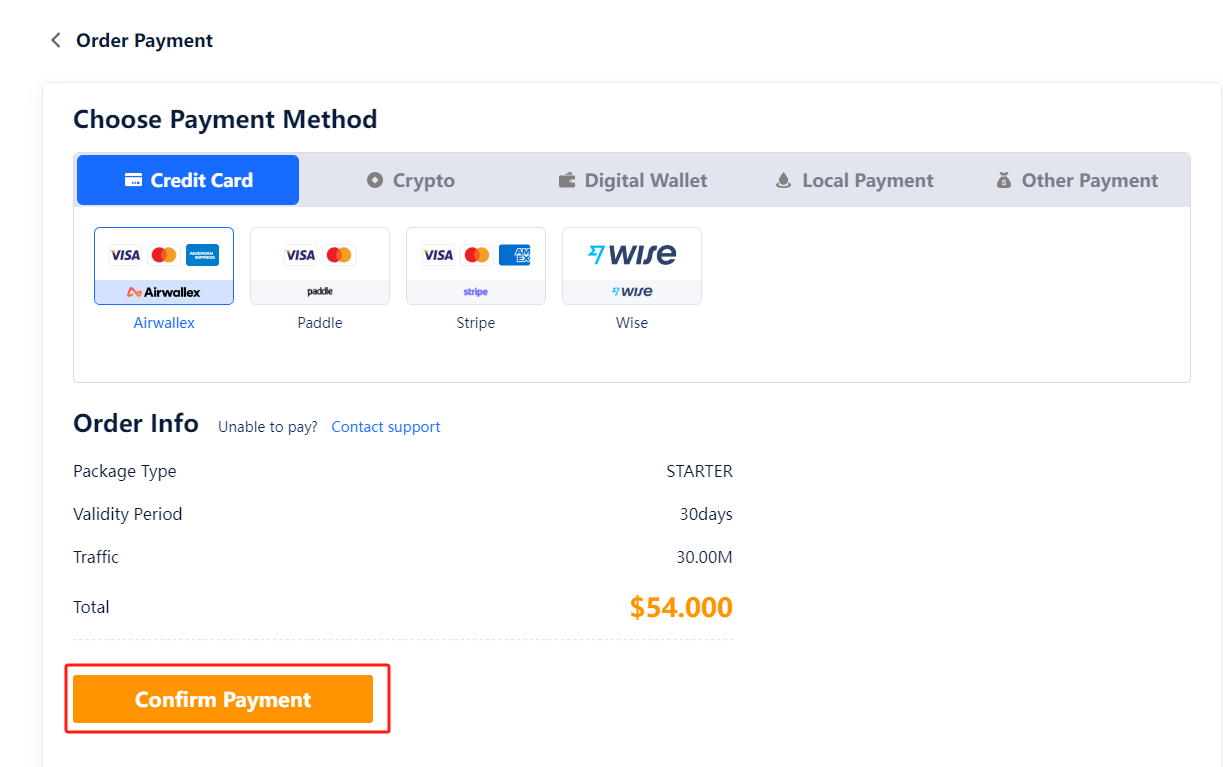
3. Select the right package and payment method and click “Confirm Payment.”
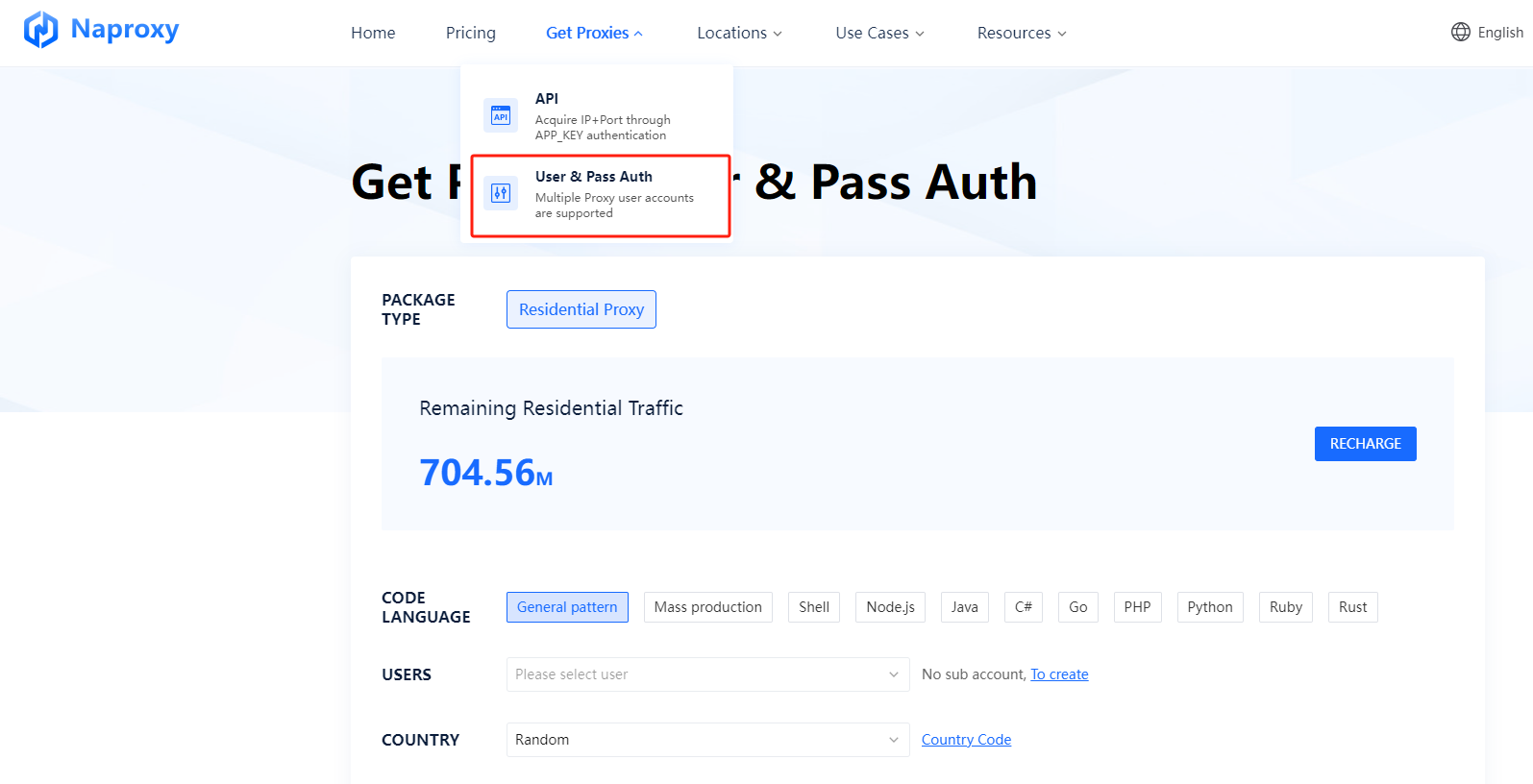
4. Click on the “User & Pass Auth” under "Get Proxies."
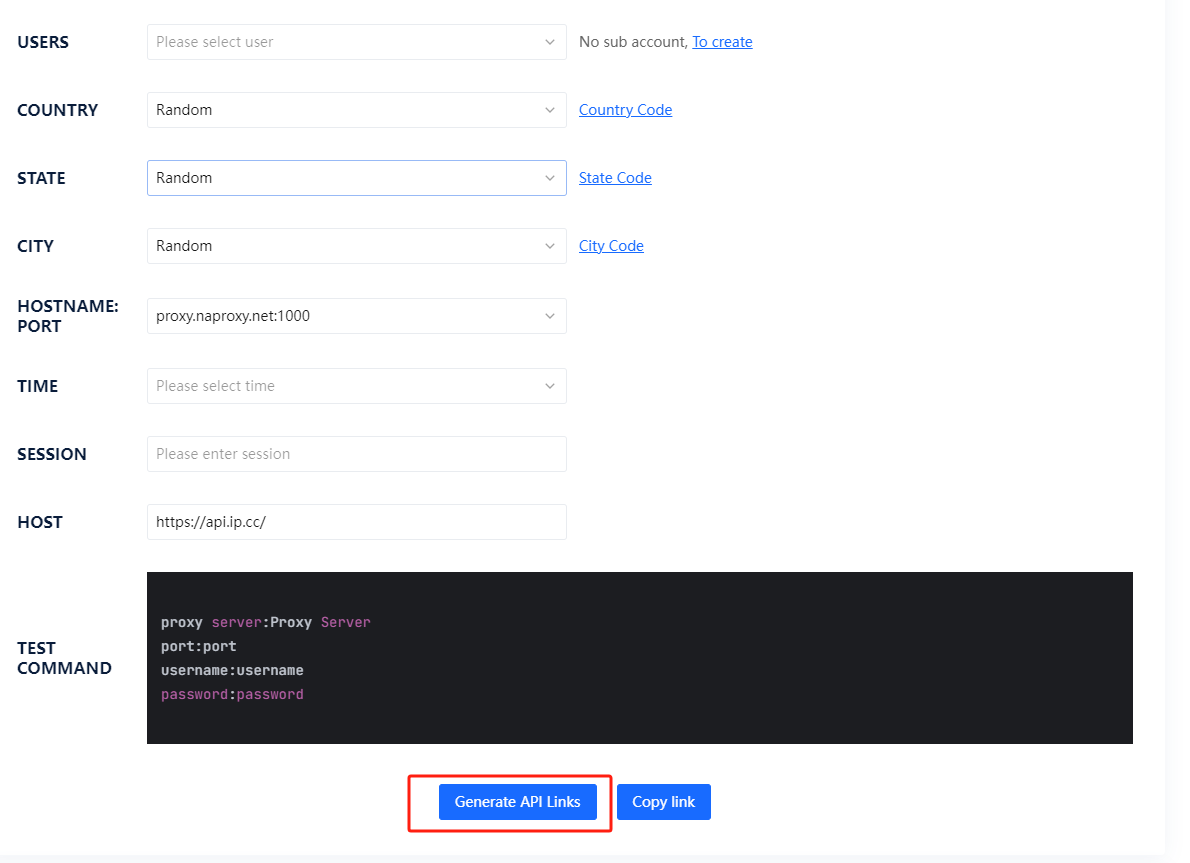
5. Select users, country, state, city, time and hostname: port. And then fill in the session. Click “Generate API Links.”
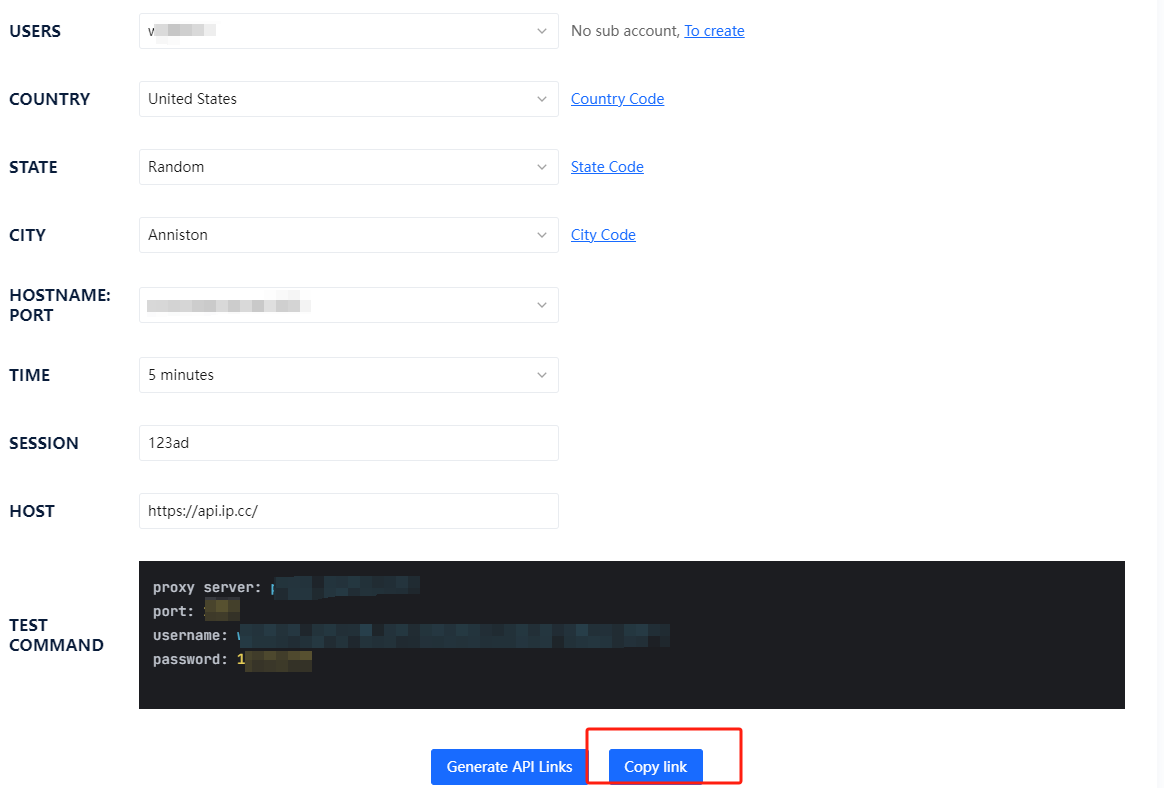
6. Then, you can click on “Copy Link.”

With our robust data collection infrastructure, you can enjoy stable IP connections and reduced interruptions, ensuring smooth and efficient web crawling.


